
Practice by level
Questions grouped from easy to exam-level, with worked solutions and instant feedback.
Home/Learning
Service · Learning
Slides and PDFs teach once. Practice teaches for good. I build study libraries, courses, training games and workshops where people try, get feedback and see their progress, so learning turns into a habit instead of a one-off session.
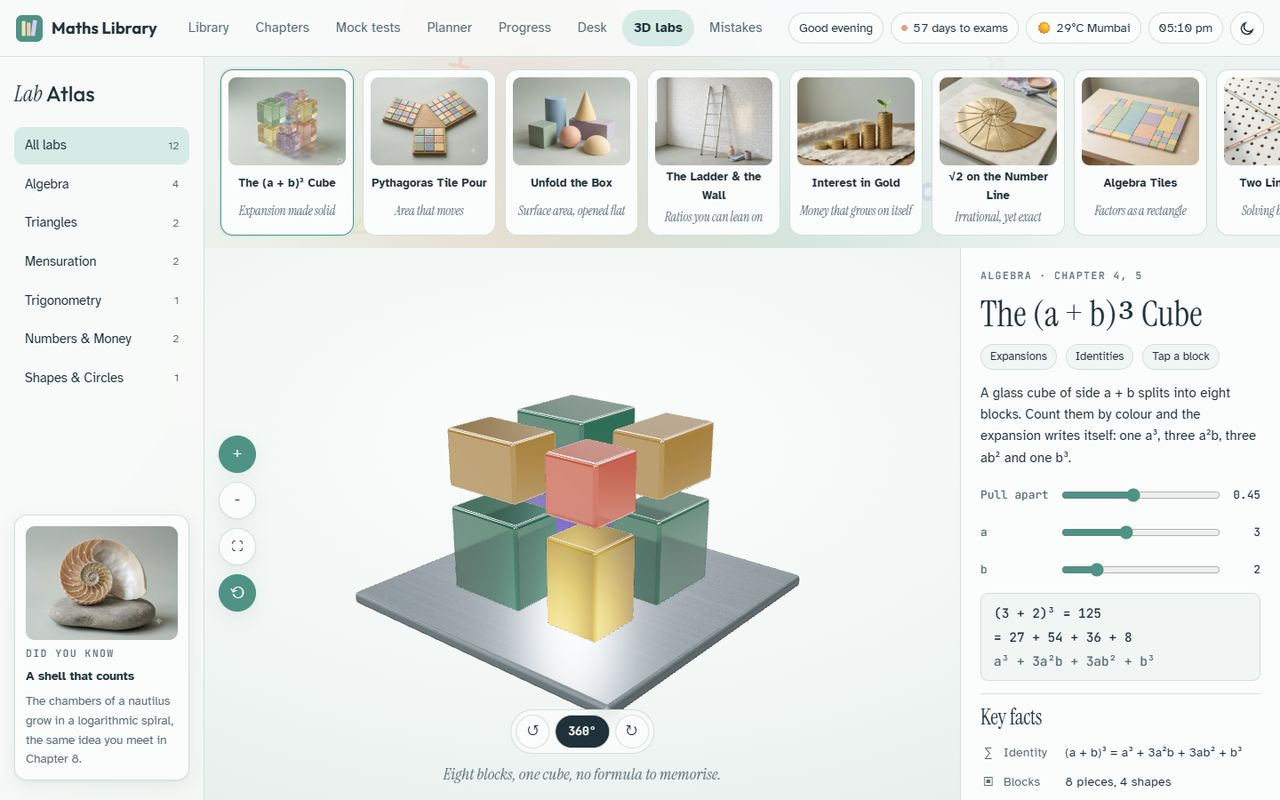
Questions grouped from easy to exam-level, with worked solutions and instant feedback.
Timed tests built from a question bank, scored on the spot, with the weak topics flagged.
Interactive models you can turn and change, so abstract ideas become something you can see.
Mastery per topic, a study-next list and a revision planner, for the learner or their trainer.
Timed challenges and trainer-led sessions with PIN entry and a live scoreboard.
Completion certificates, multilingual content and an admin view of who finished what.
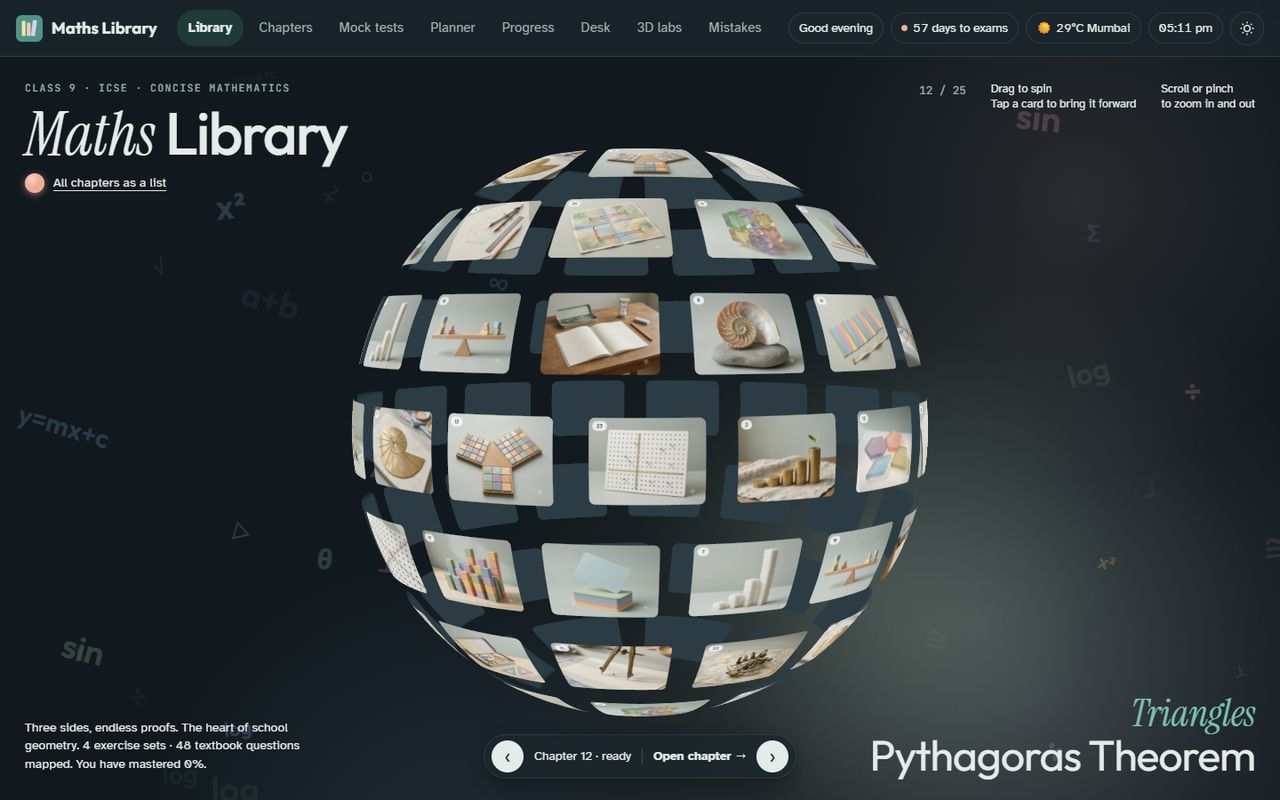
A 3D exam-prep library: 25 chapters, 12 interactive labs, mock tests and a progress page.
Read the case study →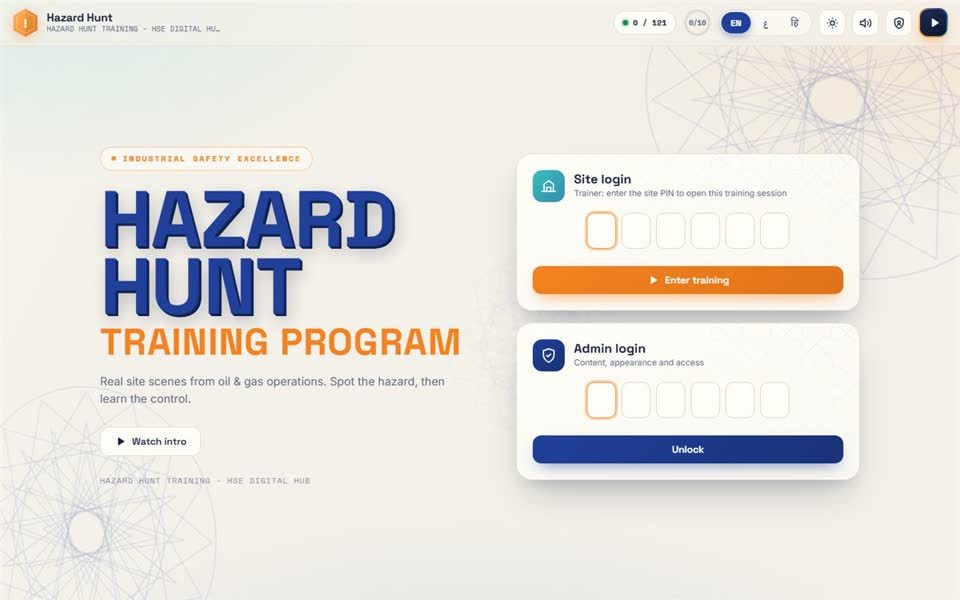
A training game on real site scenes: crews spot hazards against the clock; trainers run PIN sessions and see scores.
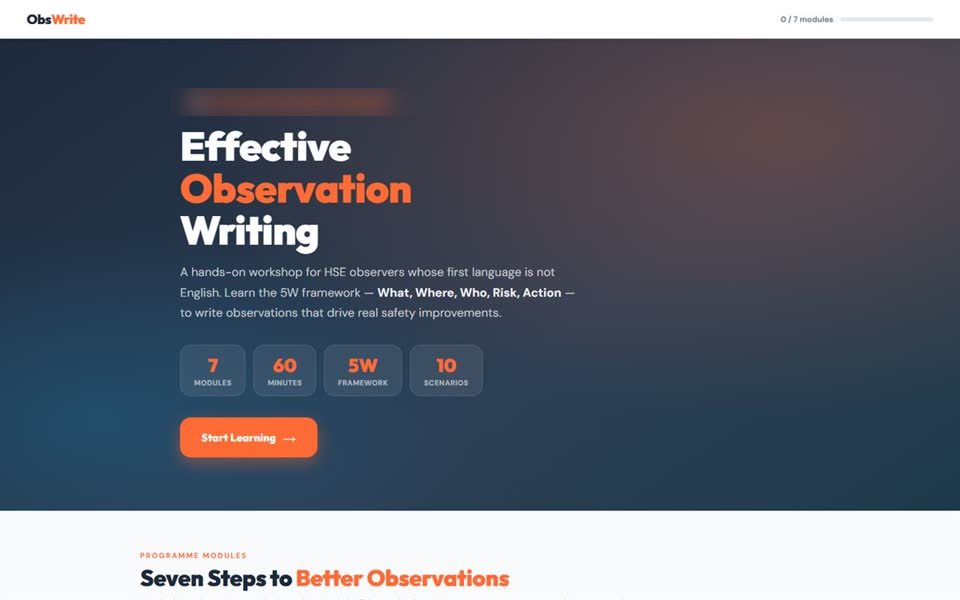
A one-hour workshop that teaches observers to write clear safety observations: 7 modules, 10 practice scenarios.
3D labs, progress tracking, offline use, extra languages and an admin view are itemized in the quote builder.
Tutors and schools, training teams, and companies that need staff to practice a skill rather than just read about it.
No. Everything runs in the browser on phones, tablets and computers. Libraries can also be installed to the home screen and used offline.
Yes. I can write questions, explainers and scenarios from your syllabus or procedures, or build around content you already have.
Pick what you need in the quote builder, see it take shape, and get an itemized estimate by email in about two minutes. No call needed to start.
Build your quoteOr email hello@ayazksstudio.com